
“…to Goodwill…”
DeductIt fillsA clear match from your saved charities, or a public charity suggestion for you to confirm and add.
Quick Entry · Pro
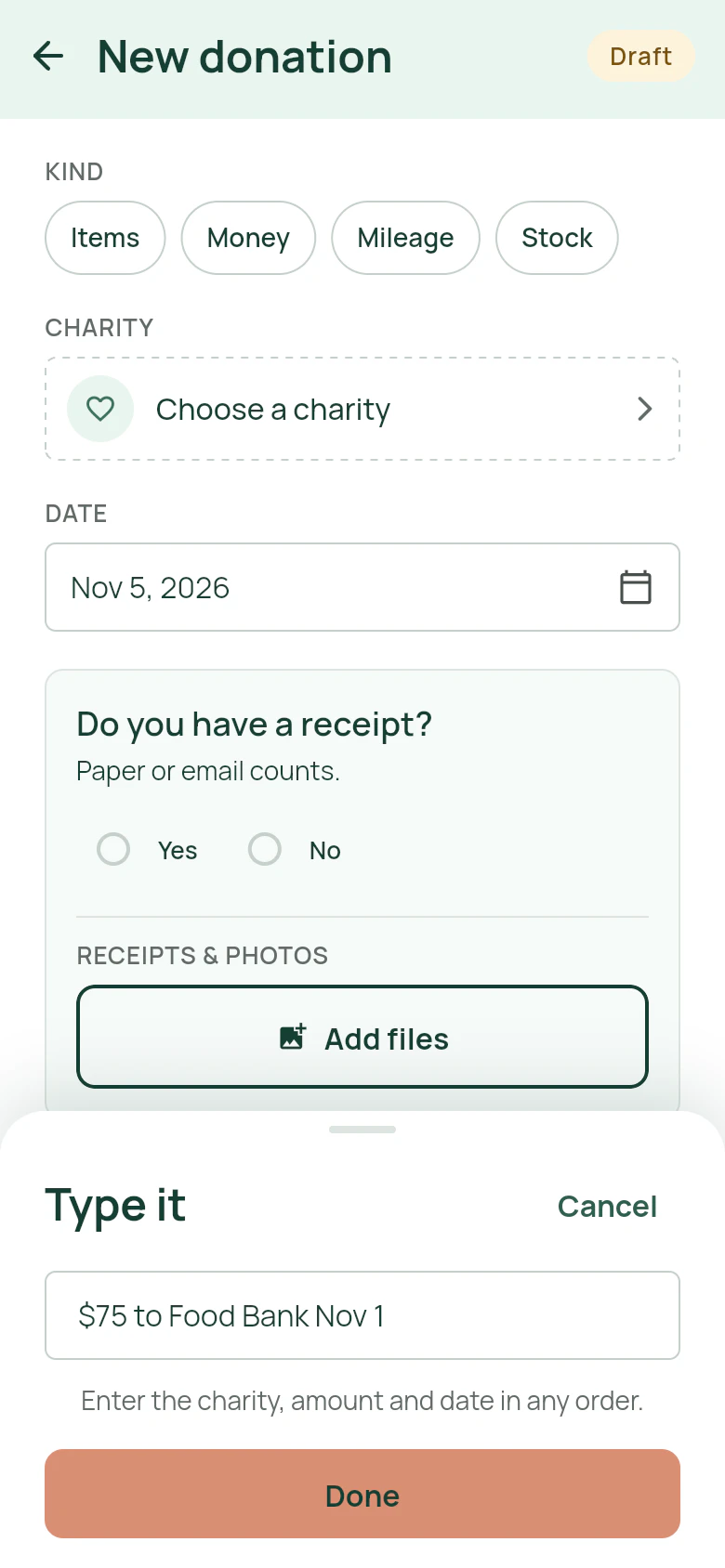
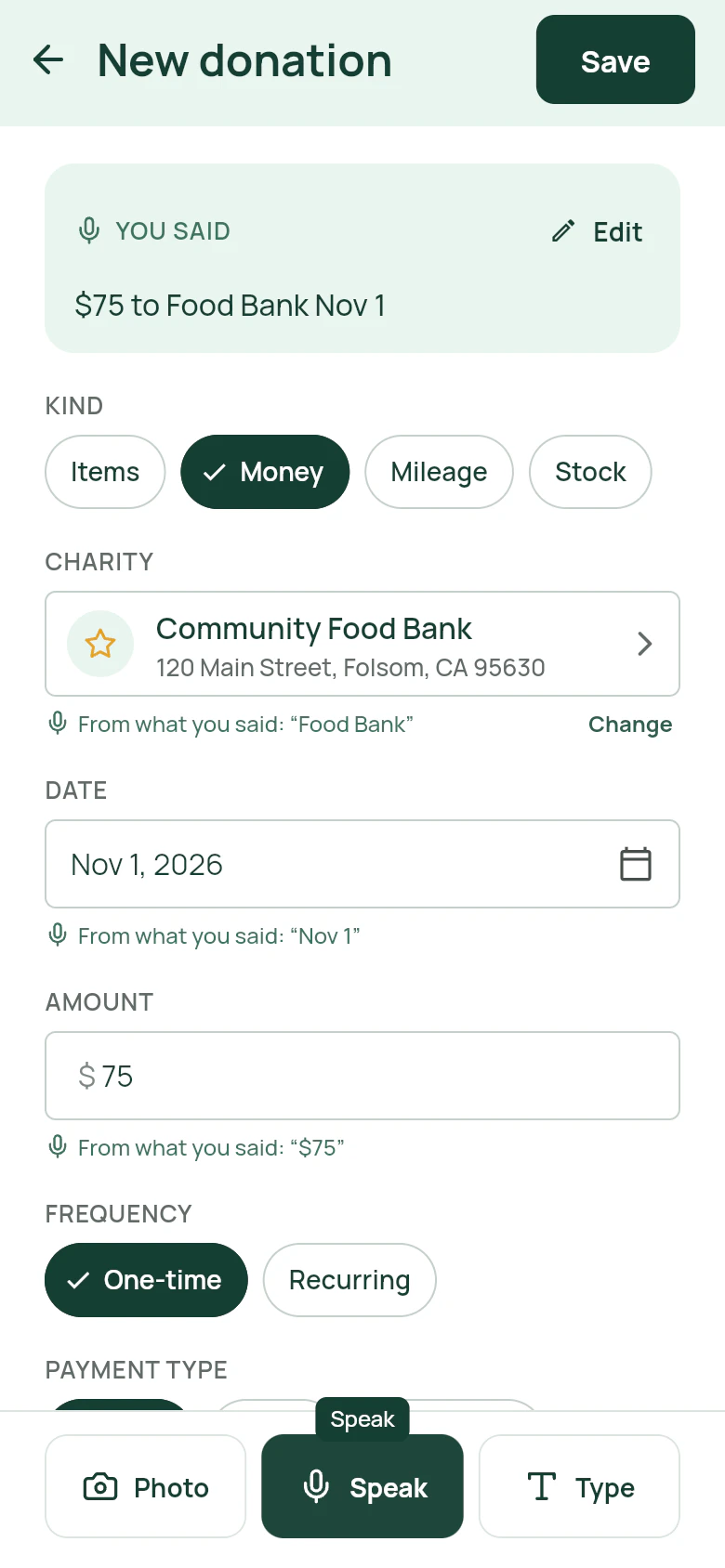
Tell DeductIt what you gave, in your own words. It prepares the kind, charity, date and items for review. It uses values you state or that appear on a receipt; choose other item values from the guide or enter your own before saving.
What gets filled in
“…to Goodwill…”
DeductIt fillsA clear match from your saved charities, or a public charity suggestion for you to confirm and add.
“…yesterday…”
DeductIt fillsThe date, and the tax year it belongs to.
“…two pairs of men’s jeans…”
DeductIt fillsEach item with its stated quantity and condition. Choose a guide item or enter a value when you have not supplied one.
“…$50 to the food bank…”
DeductIt fillsA money donation with the amount. Photograph the receipt to attach it.
“…drove 24 miles for the shelter…”
DeductIt fillsA mileage donation, valued at the charitable rate.
“…10 shares of AAPL to the university…”
DeductIt fillsA stock donation, valued on the date of the gift.
Three ways in
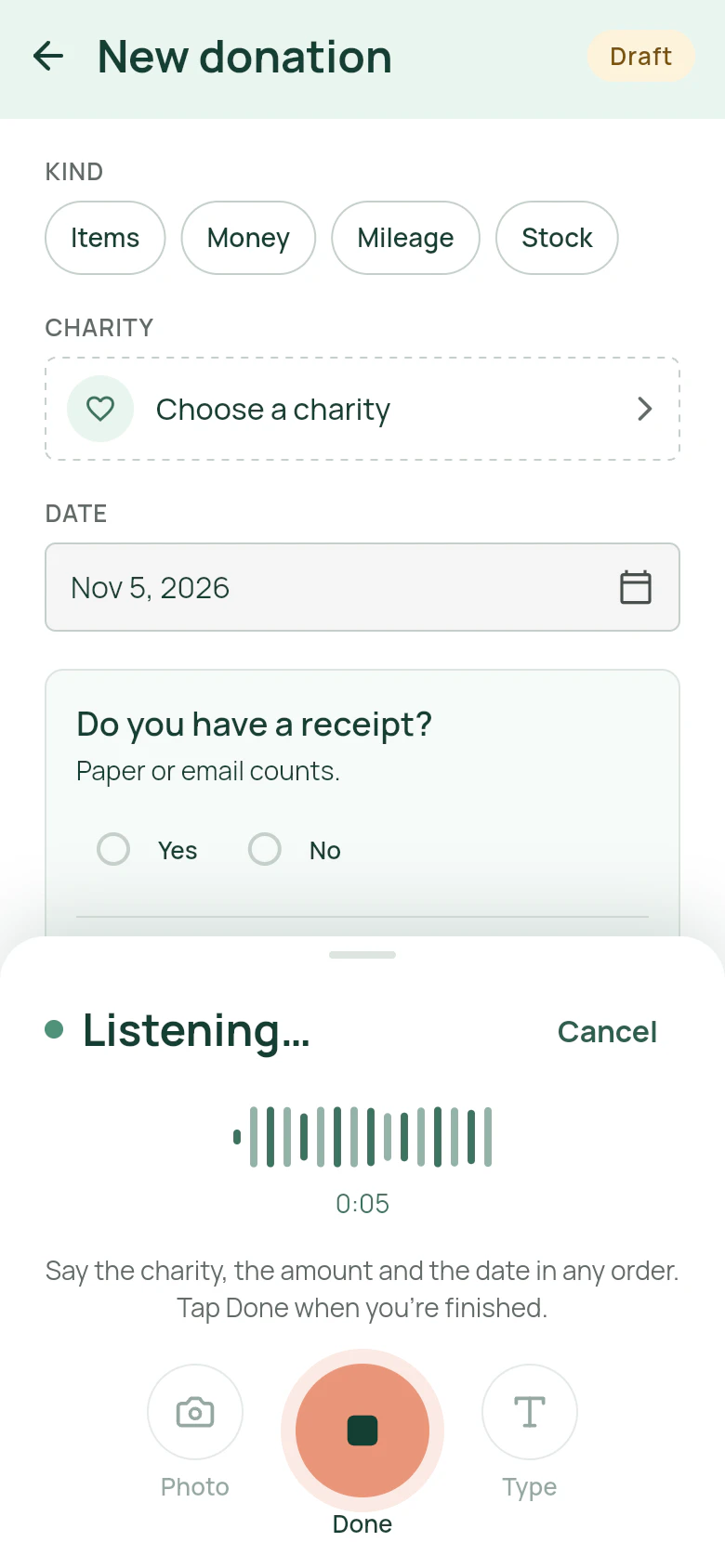
Say the charity, the amount and the date in any order. Tap Done when you are finished.
Paste a list from your notes or a text message. Good for a quiet room or a long list.
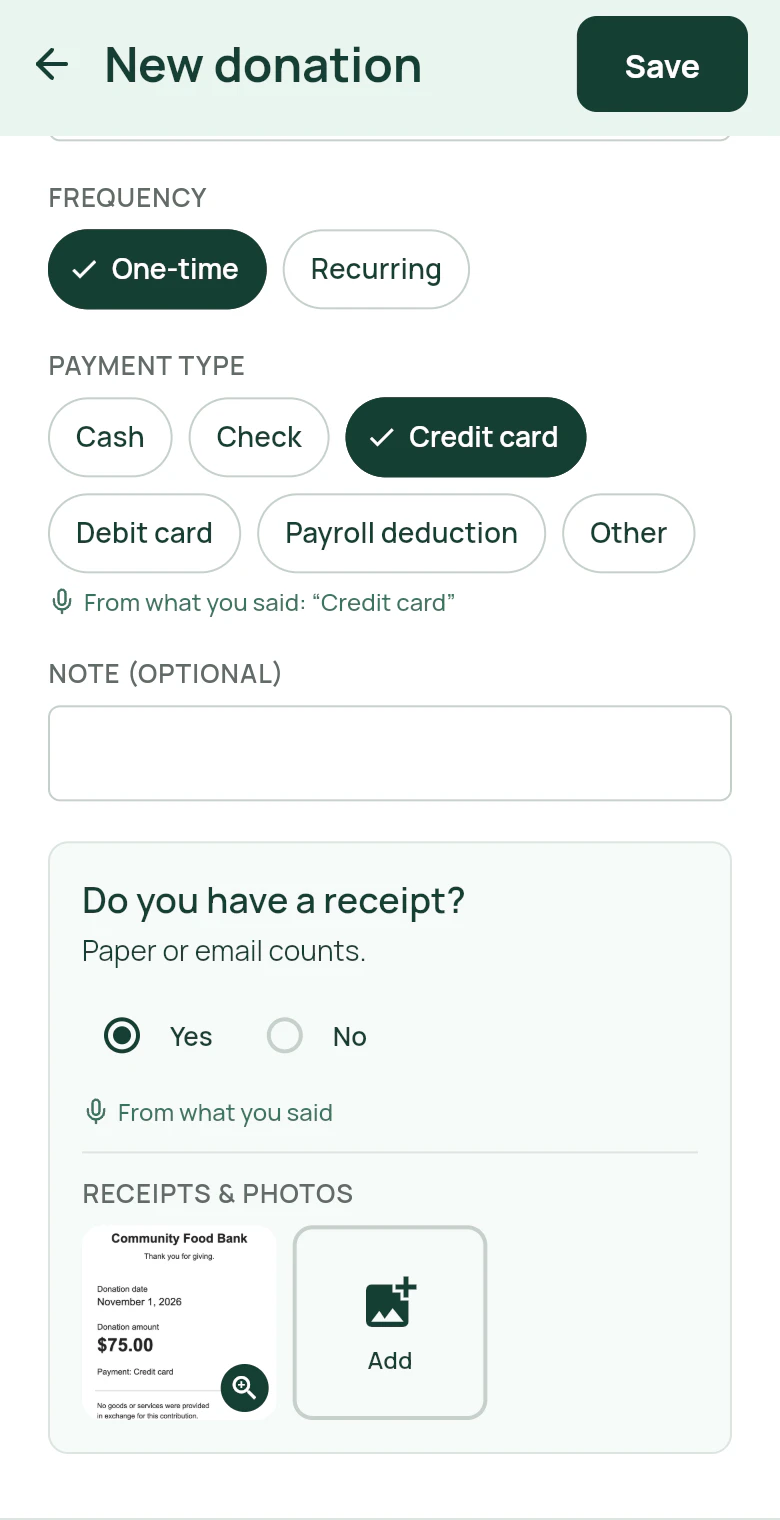
Photograph a receipt or donated goods. Review the details DeductIt prepares, with the photo attached to the record.
You decide
Quick Entry is free for every signed-in account through November 15, 2026, Pacific time. After that, it is part of Pro. Entering donations by hand is free for everyone.
Yes. Speaking, typing and the camera all work on the web, on iPhone and on Android.
Quick Entry uses values you state or that appear on a receipt. For other items, choose from DeductIt’s built-in value guide or enter your own value.
Fix it on the form, then save the donation record when you are ready.
Yes. Quick Entry is a helper on the same form, not a separate mode.
No. Tap Speak to record, then Done when you have finished. DeductIt prepares a draft for you to check before saving.